 KARDINAL
One business · Guide
Turn your website into an app (and keep the website)
Your website tells people about you. An app gets them to act. You don't have to pick one, or rebuild anything, to have both.
By Harrison Holt · · 2 min read
"Should we have an app?" usually turns into a quote for a custom iPhone and Android build, a developer account, app store reviews and an update schedule. For a local business, that's a lot of money to put an icon on a phone.
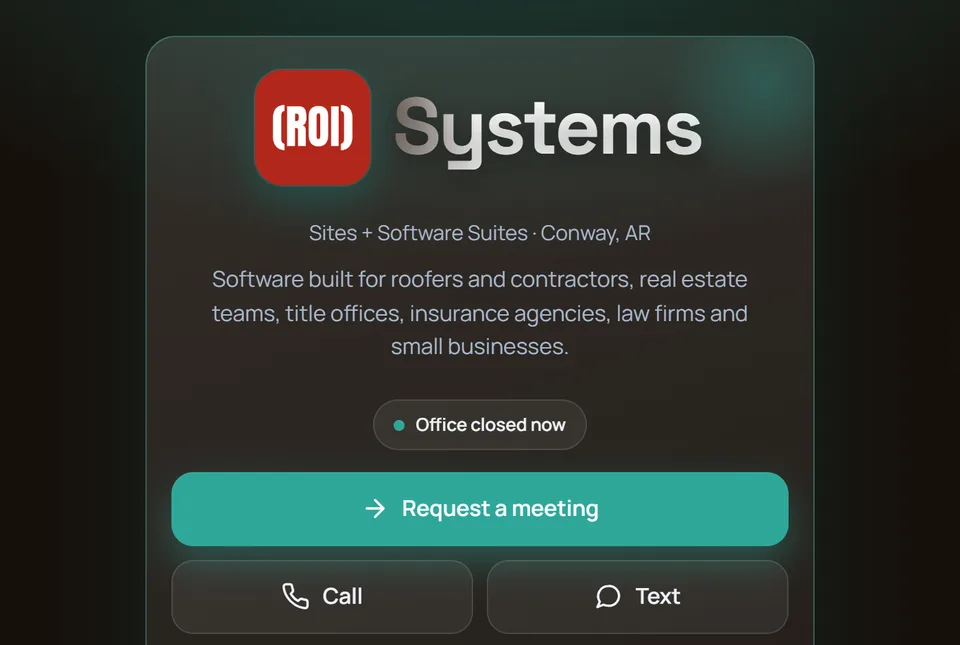
There's a simpler way. A website can save to the home screen and open like an app, with a square icon and your business name under it. No app store, nothing for customers to download. The Kardinal App is that, set up from the website you already have.
Your website vs. your app
| Your website | + Kardinal App | |
|---|---|---|
| Finding you again | They search Google and hope you're on top | Your icon is on their home screen |
| Calling | Hunt for the number | One tap, first screen |
| Asking for work | A contact form into an inbox | Your own services to pick from, sent from their phone |
| Showing the problem | "Can you email me a picture?" | They send photos from the app |
| Keeping your number | Lost in their call history | Saved to Contacts in one tap |
The twelve things it does
- Call in one tap, from the first screen.
- Text you, shown only when your number can take texts.
- A request form with your own services, read from your website.
- Photos and files, sent from the customer's phone.
- Save to Contacts: number, email and address in one tap.
- Open now, closes at: hours from your site that you change from your phone.
- On their home screen, with your name under the icon.
- A QR code and link to print, text or put on the truck.
- Your brand: logo, colors and fonts read from your site, or one of 20 palettes.
- App Studio, to change colors, backgrounds, buttons, fonts and which tiles show.
- Your own admin, with a co-admin when you want help.
- Private until you say go: hidden from search while you look it over.
How it works
- Give us your website. About a minute, on kardinalapp.com. No account to create.
- Read and sign the agreement, then pay on Stripe.
- We read your site and set your app up. Name, number, hours, services and logo come from your site and your Google listing.
- Usually live in a day or two. You look it over privately, then share it four ways: home screen, QR code, link and tap card.
What it costs
$97 a month, or $977 a year. Monthly has a 6-month minimum, then it's month to month. During launch, founding businesses get every pack included (Customer Feedback, Get Leads and Reach with push notifications), with the price locked for 12 months. NFC tap cards are an add-on at $89 a month for 10 cards, with a 6-month minimum.
When it's not the right fit
If you don't have a website yet, call first: the app is set up from your site. If several people at your business each have their own customers, look at Kardinal for teams, which gives every person their own page.
Straight answers
Is it really an app?
It's a website that saves to the home screen and opens like an app, with a square icon and your business name under it. No app store, nothing to download.
Do I need a new website?
No. Keep the one you have. The Kardinal App sits on top of it, reads it and links back to it.
Can I cancel?
Yes, in your billing portal or by email. Monthly has a 6-month minimum, then it's month to month. Yearly renews each year until you cancel. Payments already made aren't refunded.